
Designs / Olive green
Olive green design for confirmation
Olive green design family page: palette, best fit, demo, and steps to create your confirmation site on Celebrando el Día.
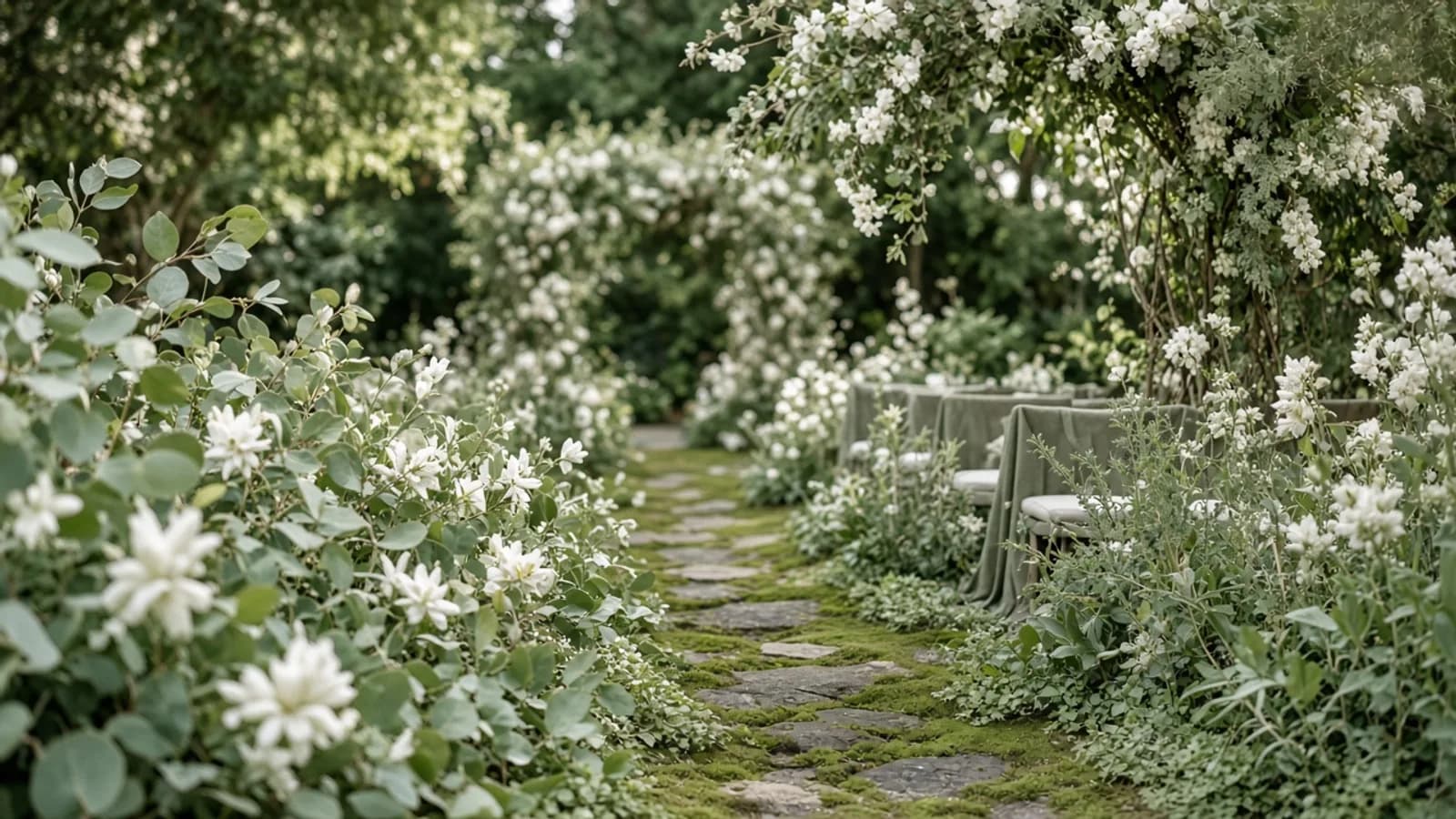
What the Olive green design includes
The Olive green design for confirmation pairs a garden layout with a palette built to read clearly on phones — where most guests open the link. On Celebrando el Día, every design is a living page: date, venues, sponsors, attendance confirmation, and party details edit without code.
This is not a static print template. It is the same kind of site guests use on the day: schedule, map, gift table if you enable it, and a confirmation flow meant for elders and cousins alike.
The Olive green palette uses #f7f5ef, #7a8a52, #c9a962. Those colors carry through backgrounds, accents, and buttons so the page feels cohesive from the first glance.
Who this look is for
The Garden style suits outdoor parties, patios, gardens, and bright banquet halls. It works especially well for a confirmation in cities like Phoenix, Arizona, where families often share the invite over WhatsApp and email.
If you want a confirmation design in Spanish — or bilingual Spanish and English — Olive green is a clear starting point. You can change copy, upload the honoree or couple photo, and toggle sections without losing the type pairing or contrast already checked for readability.
Families planning in Phoenix, Arizona and across the U.S. usually need the same things: a page that makes sense at a glance, large buttons, and clear dates. This design prioritizes that over decorative noise.
Live example and how to use it
You can view a fictional sample inspired by Miguel's family (Son of Patricia and Jorge) in Phoenix, Arizona. The demo shows Olive green with sample content; your real page will use your celebration's names, dates, and photos.
When you choose “Use this design,” create opens with theme trigo-olivo already selected. From there you add the event date, ceremony and reception venues, padrinos if they apply, and the attendance confirmation link. Publish when ready — guests do not need an app.
If you change your mind later, you can try another library design without losing content you already entered. Take your time: view the demo, read this page, then create.
FAQ about this design
Does Olive green work in Spanish and English? Yes. You can write in one language or both; guests see the language you choose to show. Does it include attendance confirmation? Yes, with fields meant for families (name, attendance, and plus-ones per your settings). Can I change colors later? Within the design's palette family and editor controls — we do not promise arbitrary colors that break contrast.
Are there customer reviews on this page? We do not invent testimonials. Any example you see is a fictional Celebrando el Día demo to show the look. How much does it cost? See the product pricing page: there is a free plan to start and paid plans depending on what you need for the day.
Frequently asked questions
- How does the Olive green design look on a phone?
- It is built mobile-first: readable type, large buttons, and the Olive green palette with checked contrast. Open the live demo to see the full garden layout.
- Can I use Olive green for a bilingual confirmation?
- Yes. You can publish in Spanish, English, or both. The design does not lock you to one language.
- Does this design include attendance confirmation?
- Yes. When you create with this theme you can enable attendance confirmation so guests reply from the link — no separate form tool required.
- Is Olive green a real customer story?
- No. The linked example is a fictional demo to show the look. We do not invent reviews on these pages.